Focus, measured in Muhurtas.
A calm Pomodoro timer built on the old Indian way of keeping time.
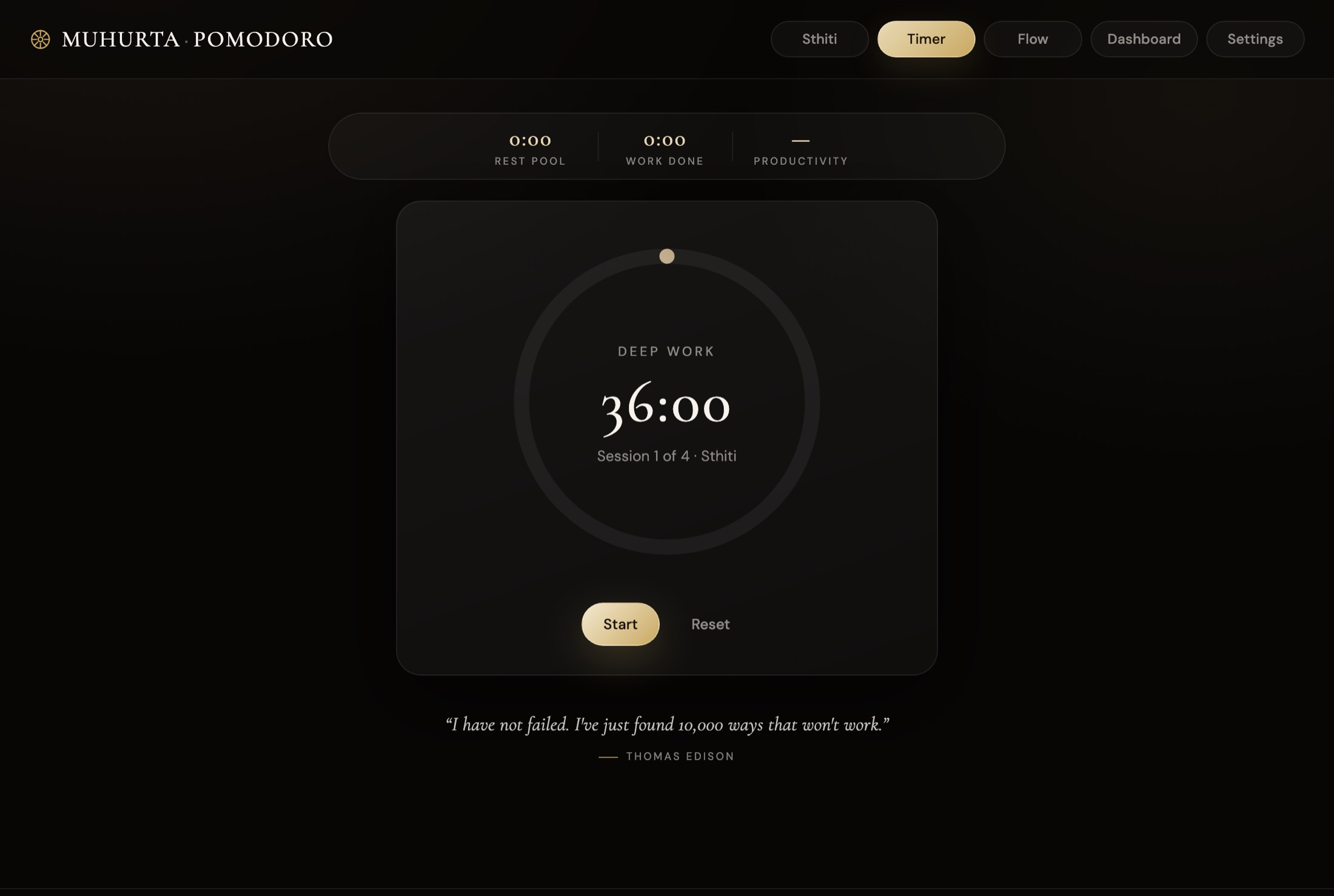
A calm Pomodoro timer built on the old Indian way of keeping time.
A day and night is thirty Muhurtas. This timer counts your focus in them.
Every level keeps the same balance of work and rest.
Apple charges developers $99 a year to register an app. This is a free project, so macOS asks you to confirm it the first time. After that it opens like any other app.
Yes. No trial, no subscription, no ads. It was made for friends and is shared as it is.
Only to sign in the first time. After that everything works offline, and changes sync when you're back online.
Your sessions and settings go to your own account, with a copy on each device you're signed in on. Otherwise the app only sends its version number, so updates reach everyone. Nothing is sold or shared.
Apple Silicon Macs (M1 and newer). Intel Macs aren't supported yet.
A notice appears in the app. Click Update now; it reopens on the new version and shows what changed.
All three. There's a Windows version, an Android app, and an iPhone app you add from Safari (it works offline too). Sign in on each with the same account and your history follows you.